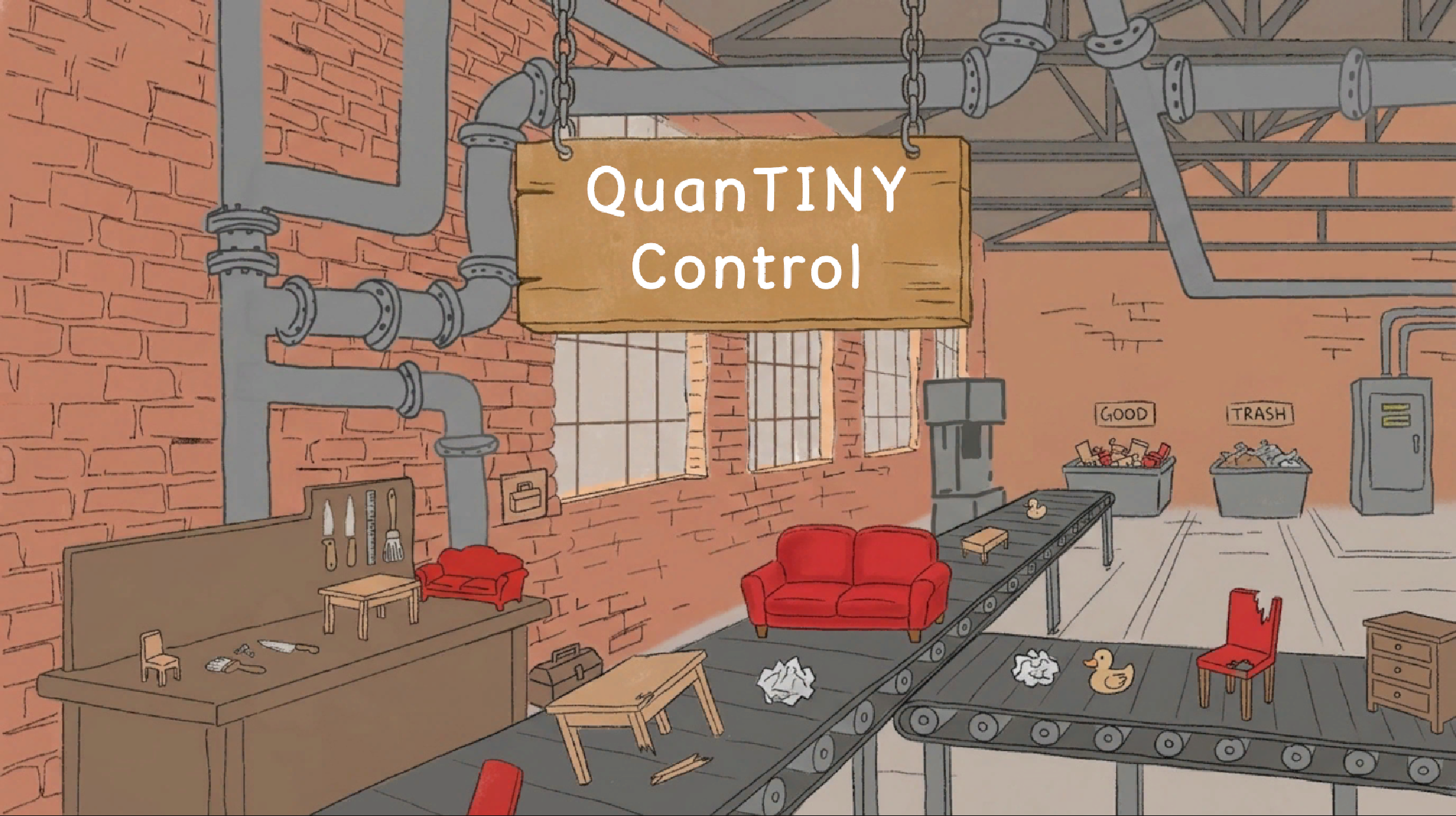
QuanTINY Control
QuanTINYControl is a fast-paced arcade game built for the Three Buttons game jam by 8 Bits to Infinity. You're the newest hire at Miniature Furnishings Co., a tiny toy factory, inspect toys, fix what's broken, toss the trash, and earn your paycheck across increasingly chaotic shifts. All with just three buttons.
🛠️ Made with Unity • Pixel art • Three-button controls • Inspired by classic arcade puzzlers
Controls
The entire game runs on just three keys: S, D, and F.
Key | Action |
D | Toss a toy (reject / send to trash) |
F | Inspect a toy (open fix-it minigame for broken items) |
S | Hold to slow the conveyor belt for a closer look |
These buttons also navigate every menu, panel, and decision in the game.
Core Gameplay Loop
You work the line at Miniature Furnishings Co., a tiny furniture factory where items roll past your station on a conveyor belt. Each shift, your job is simple in theory but tricky in practice:
- Approve good furniture → let it pass and earn your wage
- Toss the trash → press D to reject any item that isn't really furniture
- Fix the broken stuff → press F to inspect, then complete a rhythm minigame to repair it
- Slow down when you need to → hold S to give yourself a moment to think
Each shift (wave) gets faster and produces more items. Survive the work day without losing all three of your lives.
Gameplay Phases
Main Shift — The Conveyor Belt
Items pass through your inspection station. You have to make quick judgments based on what you see:
- Furniture → leave it alone, earn points when it passes
- Broken furniture → press F when it's in your work area to enter the fix-it minigame
- Not actual furniture → press D to toss it before it leaves the line
- Letting a broken or fake item pass → costs you a life (with a screen shake to drive the point home)
You get three lives total. Lose them all and your shift ends early — game over.
The Fix-It Minigame
When you choose to inspect a broken item, the conveyor pauses and a rhythm-style minigame appears. A marker travels across a bar, and you have to press the right button (S, D, or F) as the marker passes over the hit ring.
- Perfect hits earn the most points
- Good hits earn fewer points
- Misses still count toward completing the repair, but lower your bonus
Complete enough hits and the item gets fixed — and pays out significantly more than just approving a normal piece. Higher-difficulty items make the marker move faster but also pay more.
Between Shifts — The Power-Up Panel
After every wave, the line stops and you visit your supervisor's office for a quick upgrade. You'll see your earnings and choose how to spend them:
- D — Better Repairs (improves your fix-it minigame performance)
- F — Longer Slow Time (extends how long S can slow the belt)
- S — Skip (keep your money and head straight into the next shift)
Each upgrade gets more expensive the more times you buy it, so you'll have to balance investment against saving up.
Visual & Audio Feedback
The factory reacts to your performance in real time:
- Worker reactions — your inspector cheers up when you earn points and gets visibly upset when something goes wrong
- Scanner lights — a green light means the belt is running, red means it's paused
- Belt animation — the conveyor visibly slows, runs, or stops depending on state
- Screen shake — a panicked jolt every time you miss a defective item, paired with an alarm
- Music — separate tracks for the main menu, gameplay, fix-it minigame, and game over
- Hammer SFX on every successful repair
Progression & Difficulty
- The conveyor speeds up each wave
- The number of items per wave grows
- Visual differences between safe, broken, and not-actually-furniture items become more subtle
- Power-up costs scale to keep purchase decisions meaningful as your paycheck grows
The Three-Button Rule
Every interaction in Tiny Factory Inspector — from the main menu to the game over screen to in-shift decisions and the upgrade panel — uses only S, D, and F. Buttons are reused contextually based on what's on screen, so the player only ever has three things to remember.
Credits
Made for the 8 Bits to Infinity Three Buttons Game Jam
Developed in Unity with custom pixel art and original audio over the course of one week by a three-person student team:
Orel
Game state manager, toy spawning system, lose conditions, fixing minigame, music composition, audio integration, input handling, implementation of instant feedback systems, and bug fixing throughout
Elijah
Score system, game over panel, wave system and wave text, scriptable object cleanup, and the power-up manager between waves
Ella
UI elements, fonts, character/worker art, conveyor belt animation, background art, trash variants, audio assets, on-screen wave text, the upgrades panel UI, and final visual polish
Leave a comment
Log in with itch.io to leave a comment.